How Do I Add Icons or Text to the Title Area on Mobile Devices? (Magic xpa 4.x)
For Android and iOS devices, you can add icons or text to the title area by adding a menu to the Action Bar Menu form property.
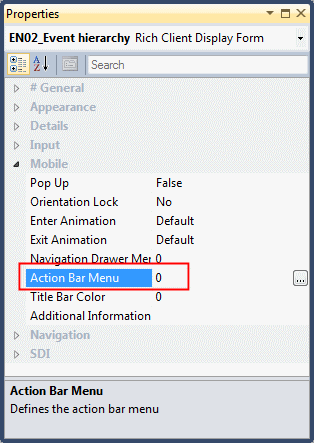
The icon image file will be the file defined in the Tool Image property.
To add text to the title area, select a menu entry that does not include an icon and the menu entry text will be seen. The text will be taken from the menu's Entry Text property.
If the Action Bar menu contains a lot of entries (more than the operating system wants to show), on Android devices, the rest of the icons will be added to the form's context menu. On iOS devices, only three will be seen.
Note: The Action Bar is not supported for popup windows.
Since version: 3.1
